forked from ci4s/knowlegegraph-platform
 somunslotus
719ddc108d
somunslotus
719ddc108d
|
||
|---|---|---|
| .github | ||
| app | ||
| config | ||
| deployment/helm | ||
| docs | ||
| scripts | ||
| server | ||
| .babelrc | ||
| .commitlint.js | ||
| .dockerignore | ||
| .eslintrc.js | ||
| .gitignore | ||
| .npmrc | ||
| .prettierrc.js | ||
| .stylelintrc.json | ||
| CONTRIBUTING.md | ||
| DEPLOY.md | ||
| Dockerfile | ||
| LICENSE | ||
| README.md | ||
| architecture.png | ||
| build-image.sh | ||
| favicon.ico | ||
| introduction.png | ||
| package-lock.json | ||
| package.json | ||
| tsconfig.json | ||
| tslint.json | ||


README.md
Nebula Graph Studio
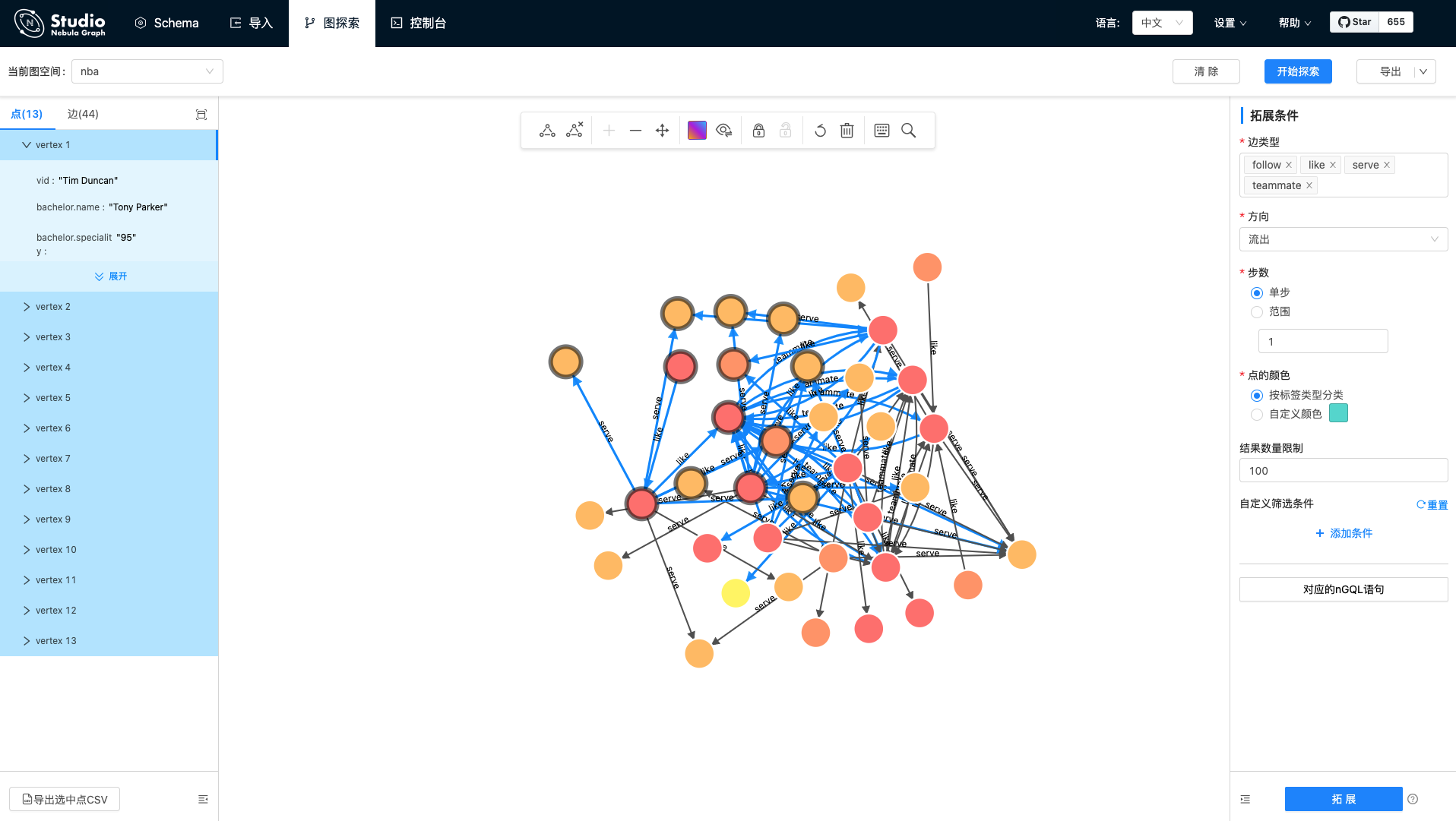
Nebula Graph Studio (Studio for short) is a web-based visualization tool for Nebula Graph. With Studio, you can create a graph schema, import data, edit nGQL statements for data queries, and explore graphs.
Architecture

Development Quick Start
Set up nebula-graph-studio
$ npm install
$ npm run dev
Set up go-server
// remove default port 7001 in config/example-config.yaml first
$ cd server
$ go build -o server
$ ./server &
Production Deploy
1. Build Web
$ npm run install
$ npm run build
1. Build Web
$ mv dist server/assets
$ cd server
$ go build -o server
3. Start
$ ./server &
4. Stop Server
Use when you want shutdown the web app
kill -9 $(lsof -t -i :7001)
Documentation
Contributing
Contributions are warmly welcomed and greatly appreciated. Please see Guide Docs